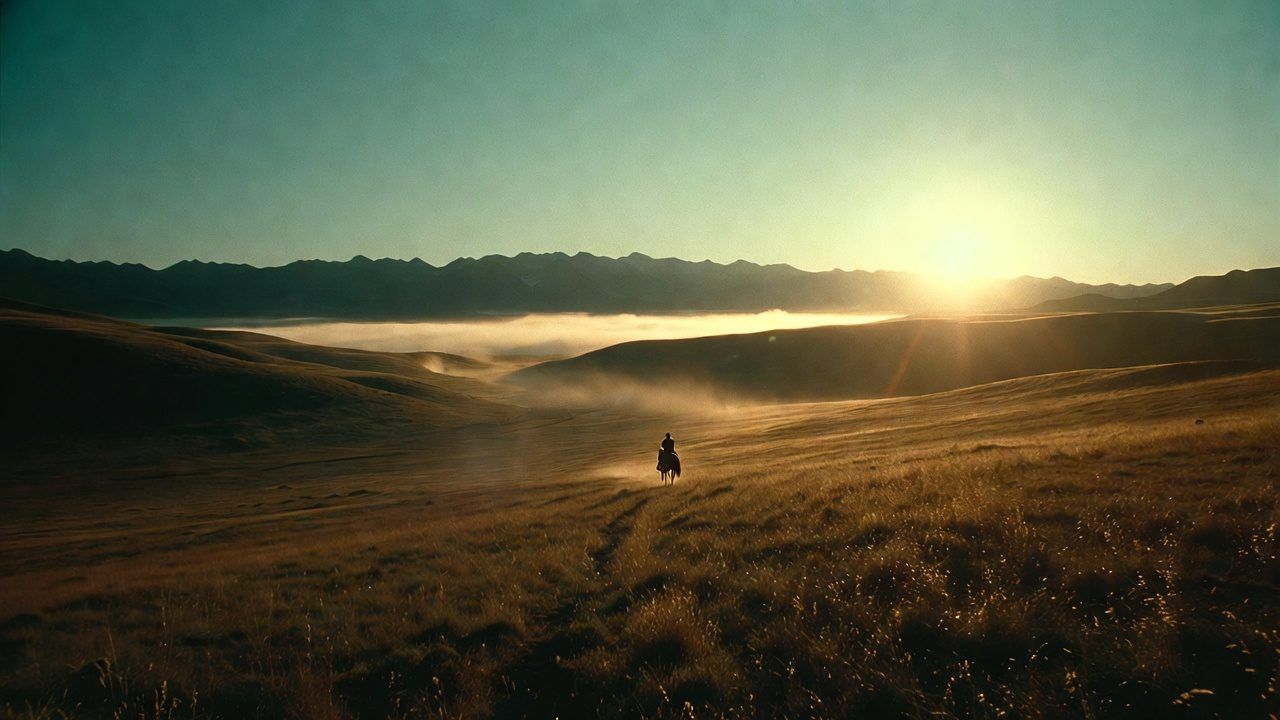
Series, films and shorts
Resume any episode where you stopped, and Up next starts the one after. Subtitles in three sizes.
 Voysey
voysey.tv
Series, films, full-cast audiobooks and music, made for the couch. On Roku and Apple TV now. Fire TV, Google TV, Samsung and LG are on the way.
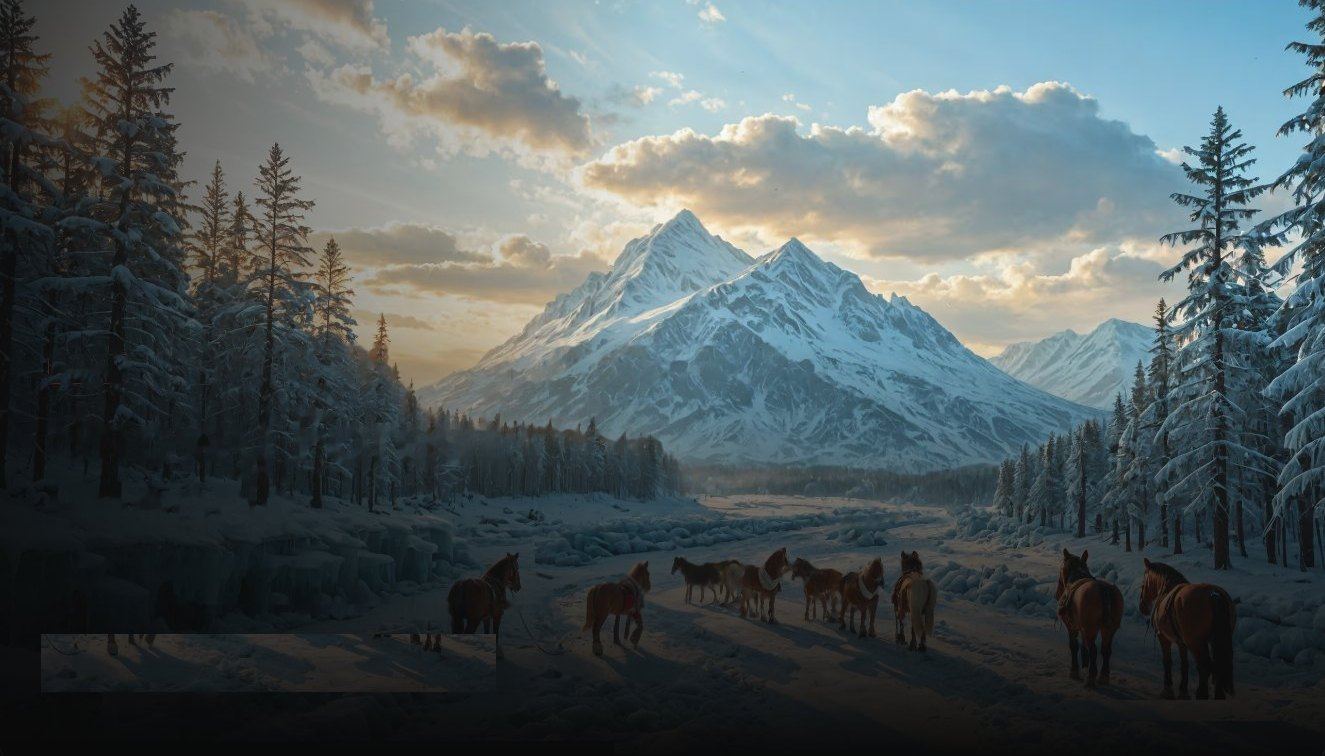 HomeWatchListenMy listSearch
 The Time Machine
 Dracula
 Around the World in Eighty Days
 Frankenstein
 Twenty Thousand Leagues Under the Sea
 White Fang
 Treasure Island
 The Count of Monte Cristo
Install
Voysey is free to download. You sign in once with a code, and your profiles come with you.
VoyseyFilms, series & audiobooksAdd channelVoyseyFilms, series & audiobooksGetVoyseyFilms, series & audiobooksInstallVoyseyFilms, series & audiobooksInstallVoyseyFilms, series & audiobooksGetVoyseyFilms, series & audiobooksInstall
Resume any episode where you stopped, and Up next starts the one after. Subtitles in three sizes.
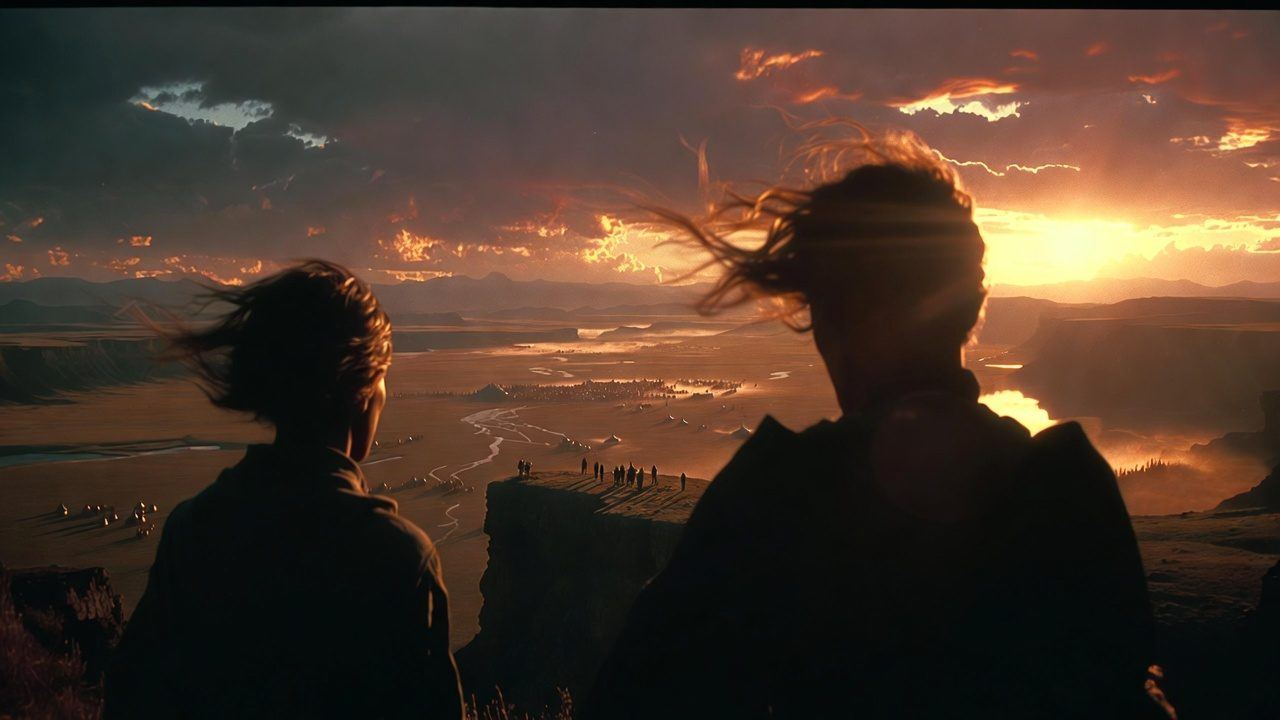
Every character voiced, chapter by chapter. Albums play straight through or on shuffle.
Who's watching? Everyone gets their own list and history. Kids profiles, a profile PIN, and a PIN before any purchase.
Send a title from the TV and it's waiting in the Voysey app on iPhone, iPad and Android. Same account, same profiles, and the app in 76 languages.